Scribble is an AI image editing canvas developed by Solo Works that allows users to make precise edits by circling areas and describing changes in natural language. It supports style remixing between images, one-click background removal to transparent PNG, AI-powered reframing to any canvas size, and an auto-layout Magic Export that reflows content into exact banner dimensions. Existing Solo Works users can migrate eligible credits to Scribble or continue using Solo Works unchanged.

What is Scribble?

Scribble is an AI-powered image editing canvas by Solo Works. Instead of typing prompts, you circle the area you want to change, point to it, and describe what you want — Scribble then applies precise edits.

How does the circle-to-edit feature work?

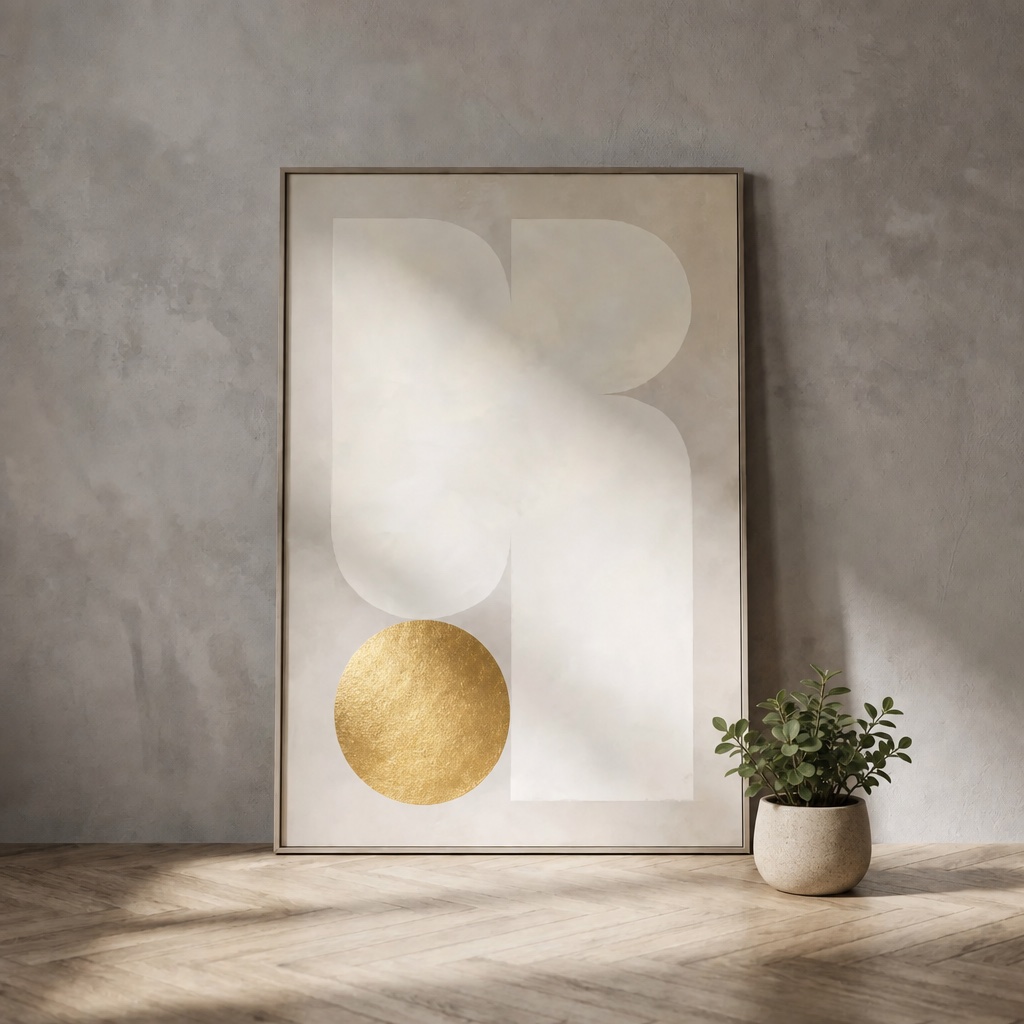
You draw a circle around the part of the image you want to edit, then state what change you want. Scribble uses your circle as a precise selection mask and applies the edit to that specific area.

What is Reference Remix in Scribble?

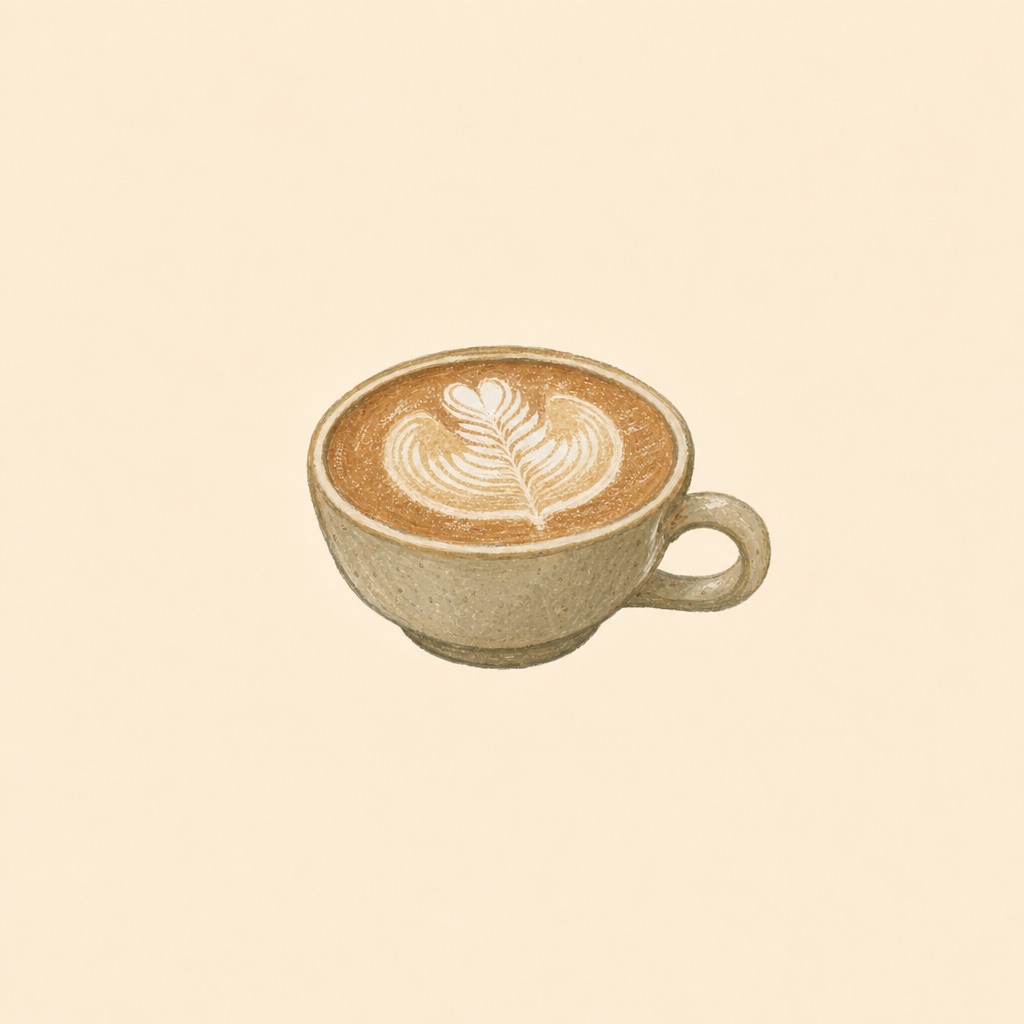
Reference Remix lets you transfer the visual style of one image onto another. You mention both images — one sets the style, one stays the subject — and Scribble applies the style while keeping the subject recognizable.

What are Recipes in Scribble?

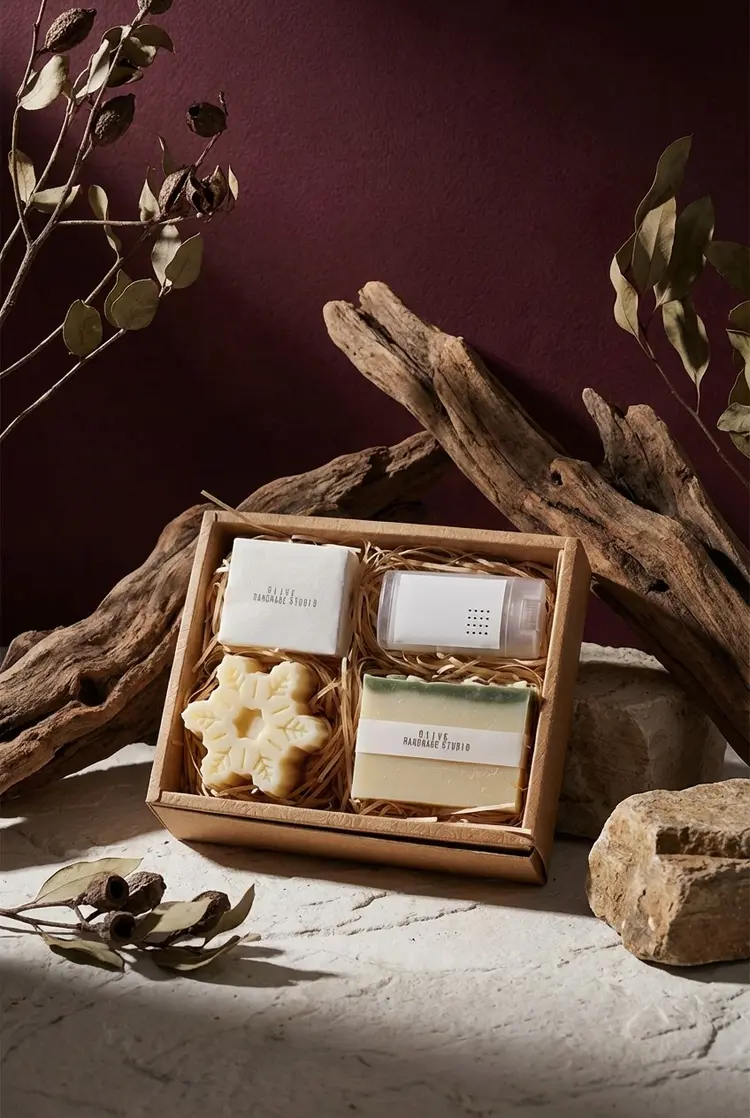
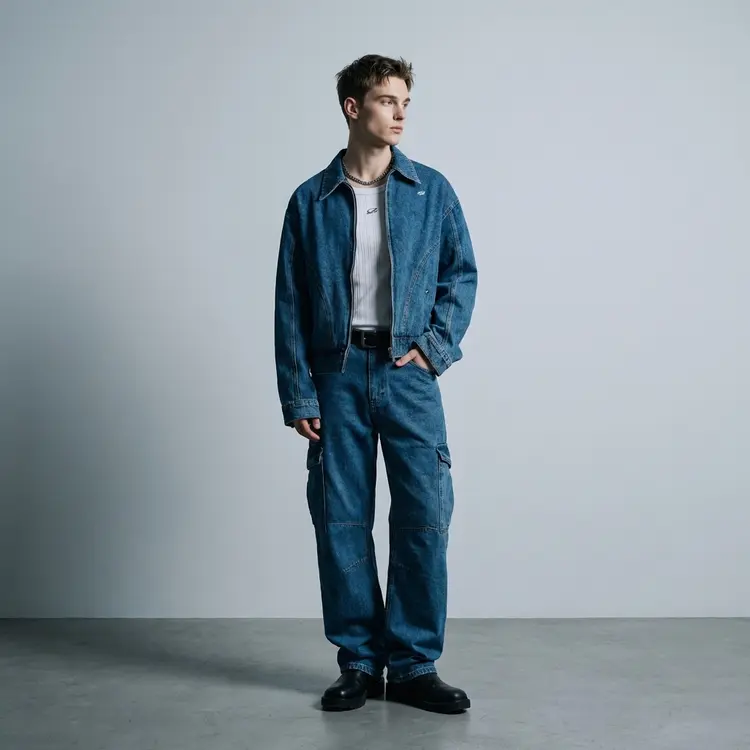
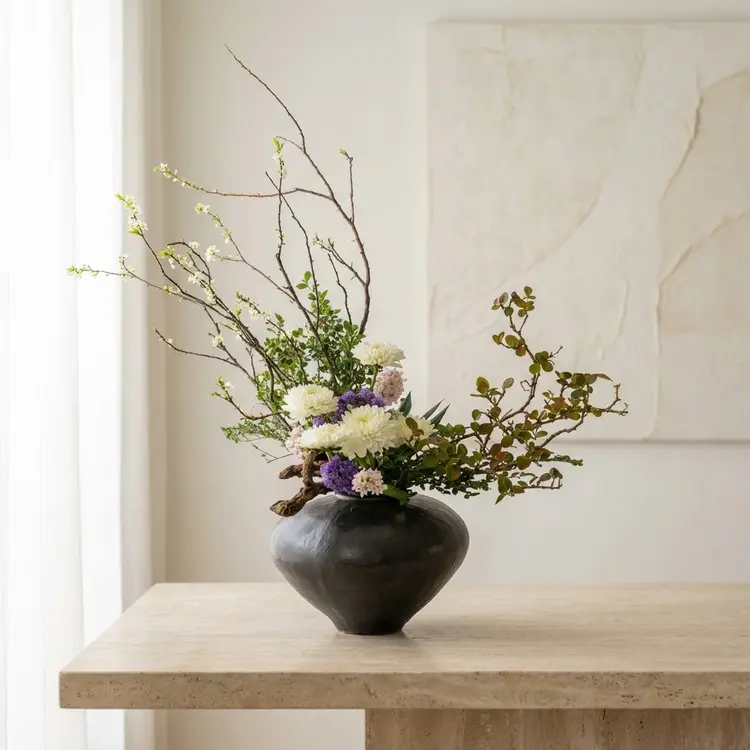
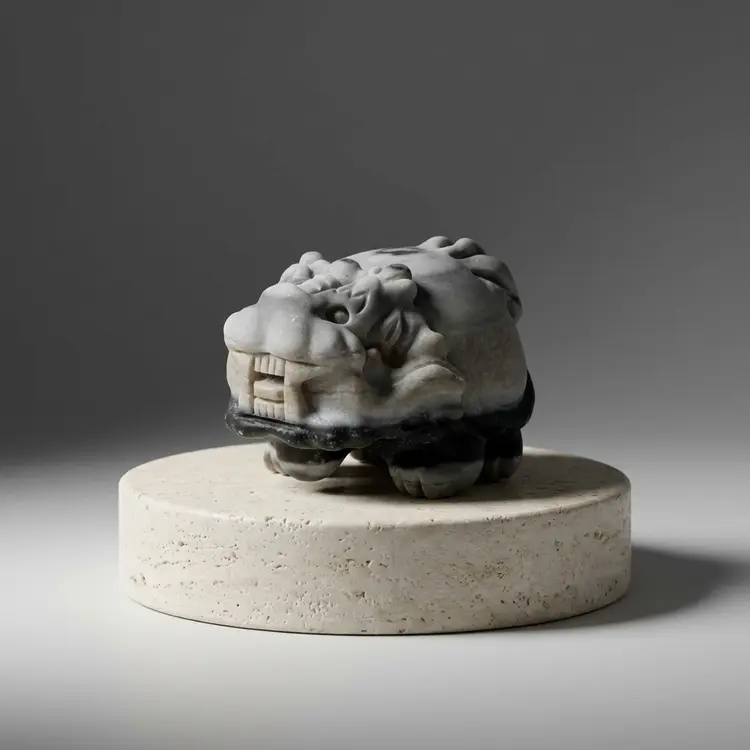
Recipes are professionally tuned, reusable effect presets. They package a specific look so you can apply it without setting up the effect from scratch each time.

Can Scribble remove image backgrounds?

Yes. You can mention an image and remove its background directly in the browser. The result is a transparent PNG ready to place anywhere.

What is the Reframe feature?

Reframe is an AI extend tool that works like a reverse crop — it makes your image wider, taller, or any size in between by naturally filling in the new space around the original.

What is Magic Export / Auto Layout?

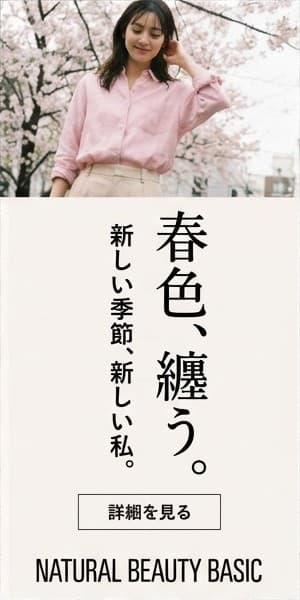
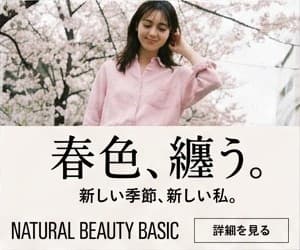
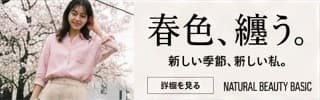
Magic Export lets you start with one master image and choose a banner size (e.g. 728×90, 300×600). Scribble automatically rearranges the content to fit the exact pixel dimensions of the chosen layout.

I am an existing Solo Works user. Do I need to switch to Scribble?

No. Nothing changes if you stay on Solo Works — your workflows and existing credits remain available there. However, eligible Solo Works credits can be moved to Scribble when you are ready.

Can I convert my Solo Works credits to Scribble?

Eligible Solo Works credits can be migrated to Scribble. The page includes a prompt asking 'Should I convert?' to guide users through the decision.

Precision
edit

Circle to edit

Intuitive controls.
Precise edits.
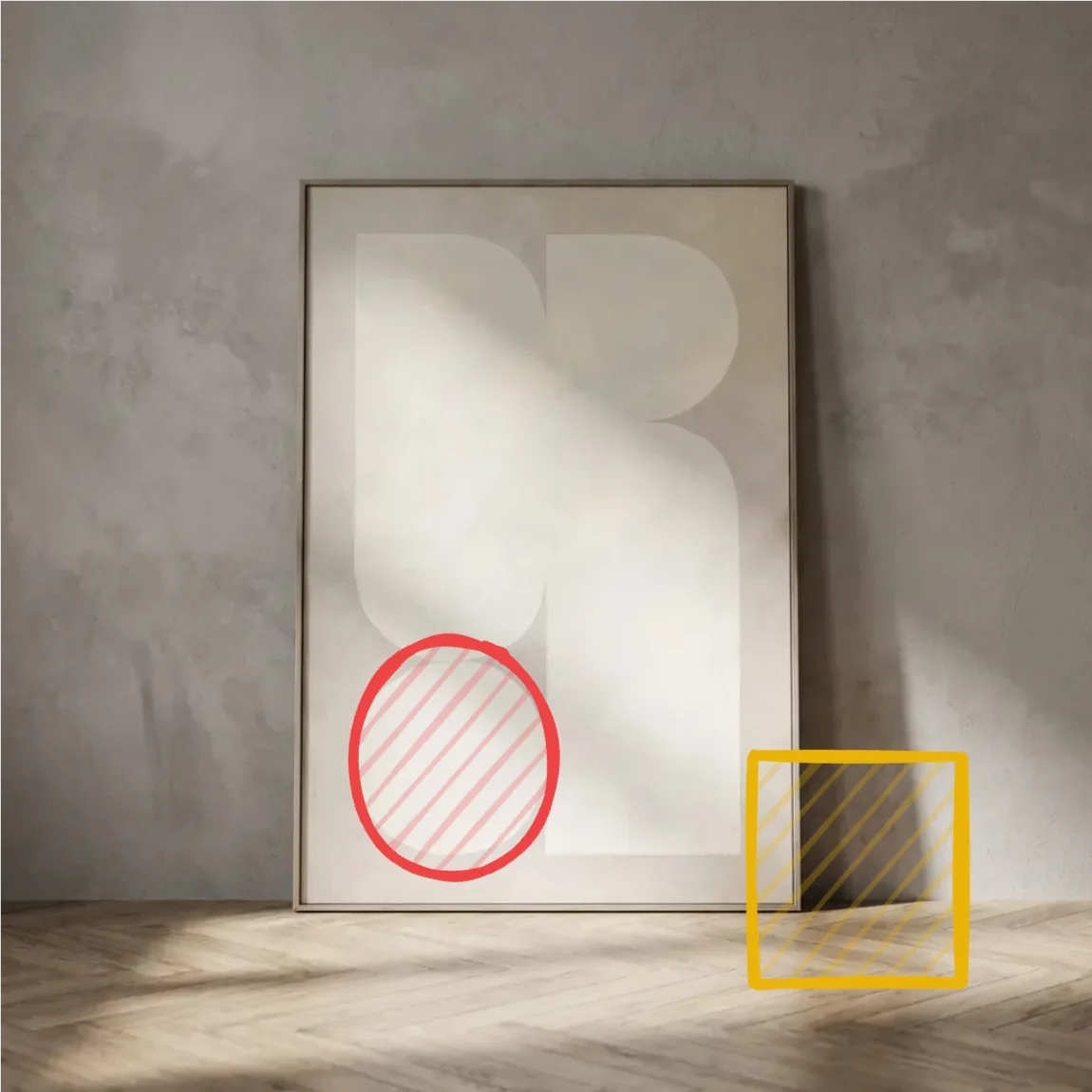
A wall art photo marked with a red circle and a yellow rectangle
The edited wall art with a gold circle and a potted plant

Mark the change

Result

Circle it. Point to it. Say what you want.

Precise edits, made simple.

Reference
remix

Mention to remix

Transfer @stickers’ style
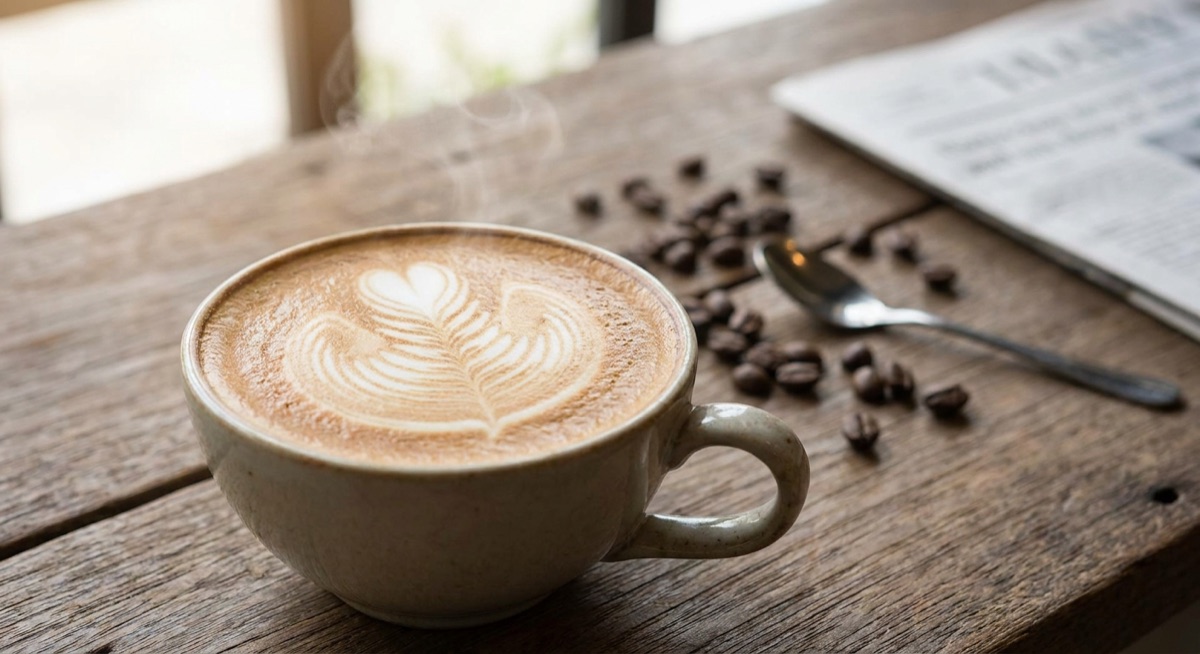
to @latte.

@stickers
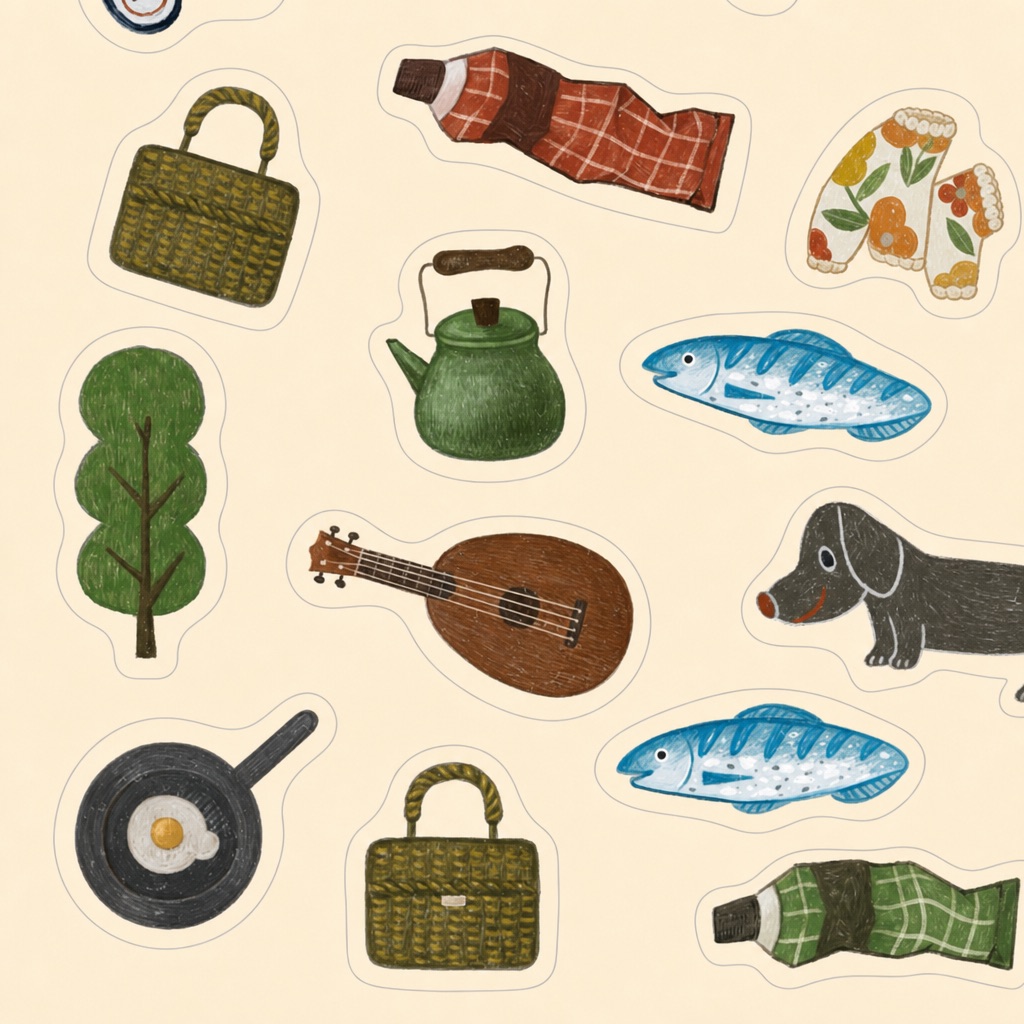
Whimsical hand-drawn stickers used as the style reference
@latte
A latte photograph used as the subject reference
Remixed latte
The latte rendered in the hand-drawn sticker style

One sets the style. One stays the subject.

Mention both images, then say what to borrow. Scribble applies the visual style while keeping the subject recognizable.

Saved
workflow

Recipe

Looks, already tuned.
Ready when you are.

Professionally tuned.

Ready to reuse.
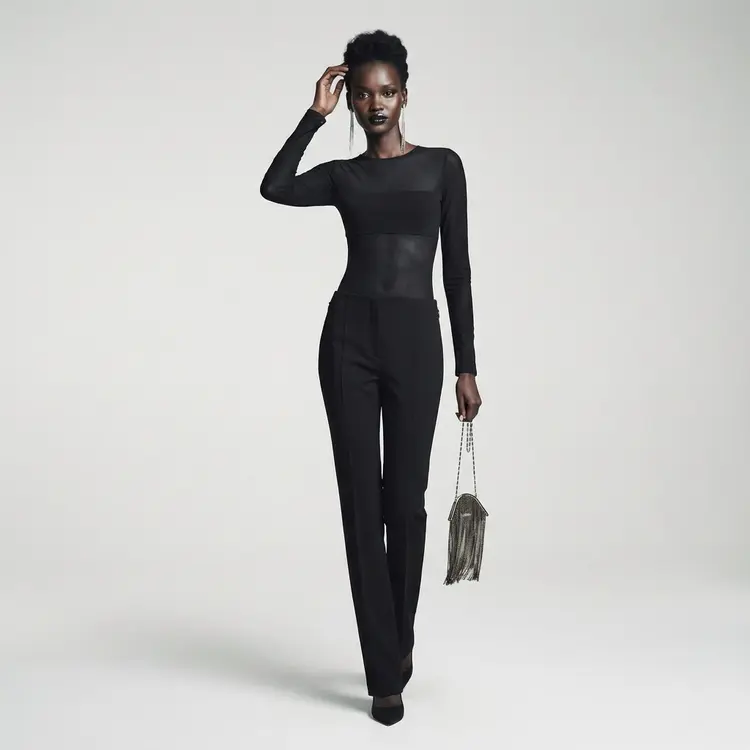
A fashion look created with a Recipe
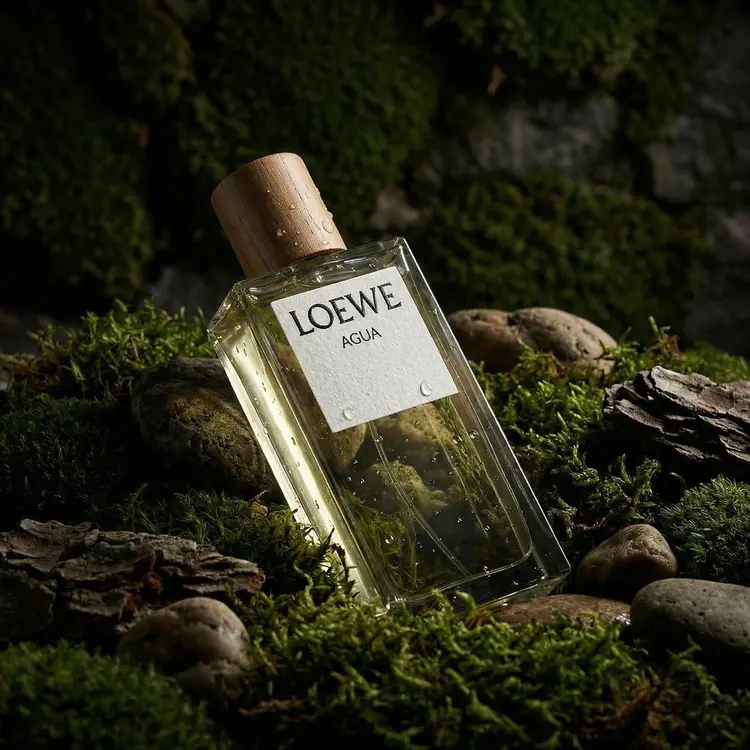
A fragrance campaign image created with a Recipe
A product scene created with a Recipe
A denim fashion look created with a Recipe
A flower arrangement created with a Recipe
A sculptural product scene created with a Recipe
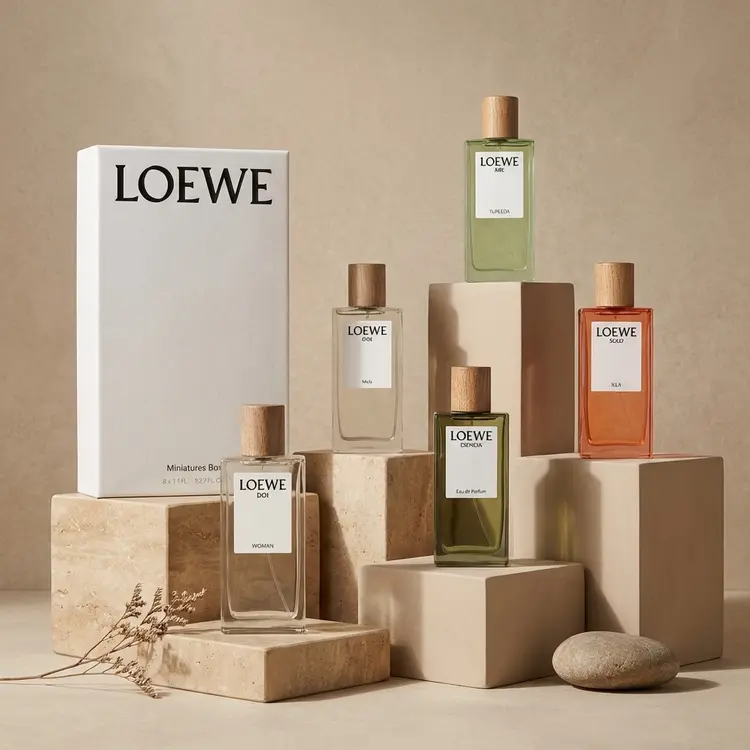
A fragrance collection created with a Recipe

Skip the setup.

Each Recipe packages a professionally tuned effect, so you get the look without building it from scratch every time.

Transparent
PNG

Remove background

Background gone.
Transparency included.
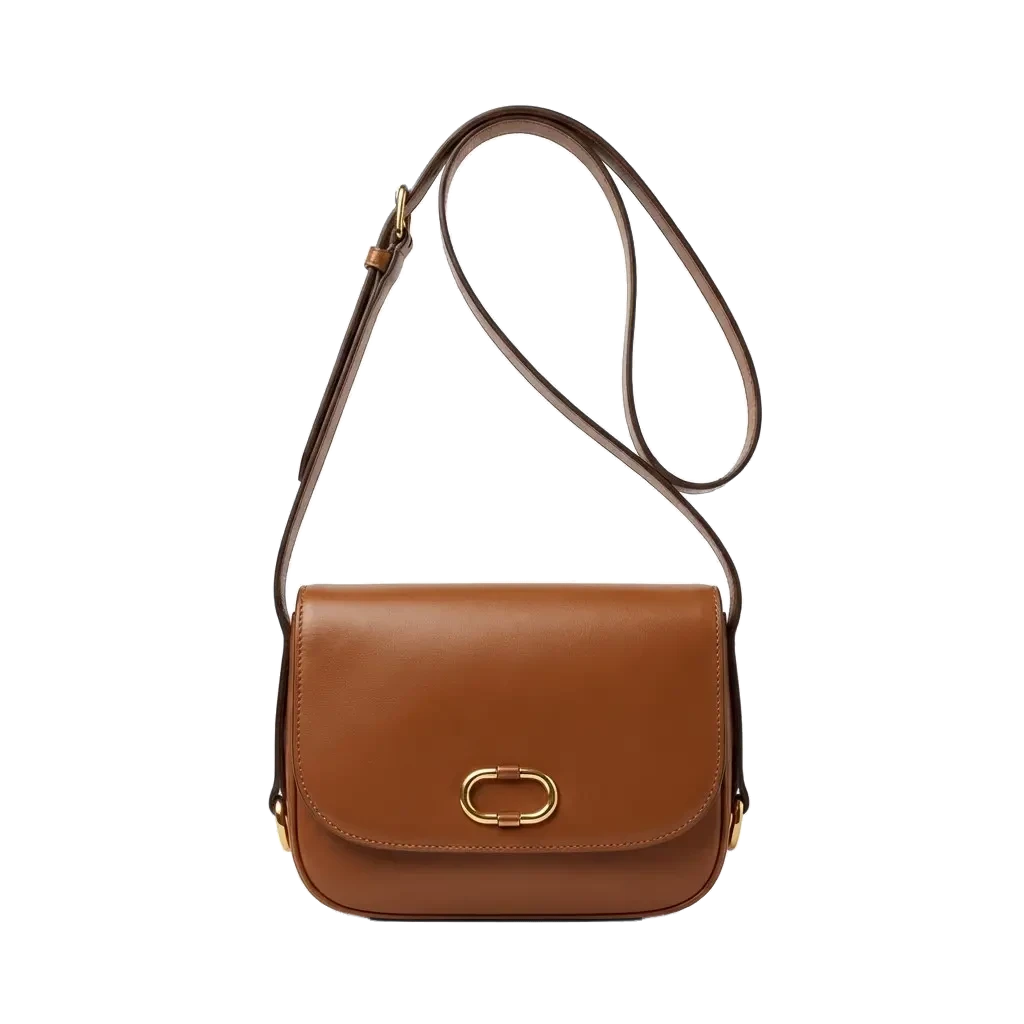
A brown leather shoulder bag with a transparent background

Nothing behind it. Really.

Mention an image and remove its background in the browser. You get a transparent PNG, ready to place anywhere.

Any size
AI extend

Reframe

Crop, in reverse.
More picture. Not less.
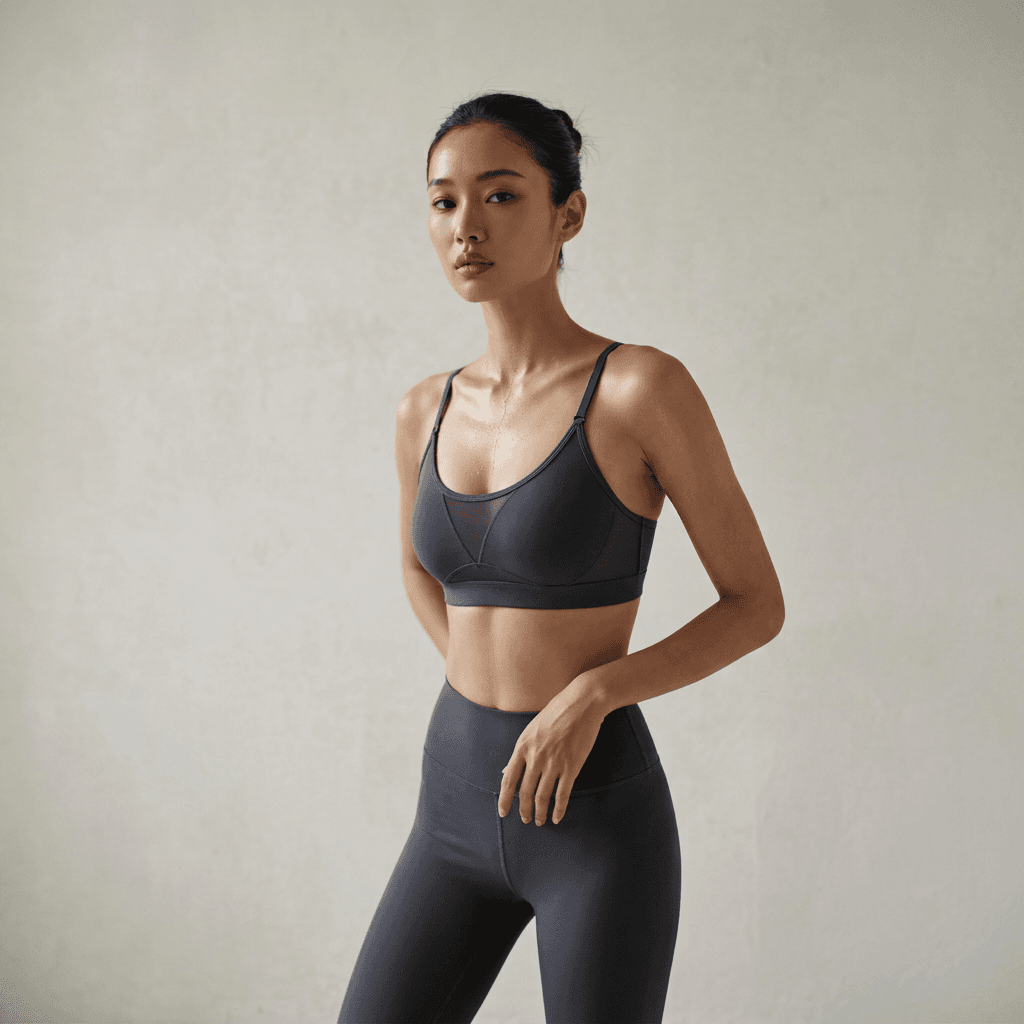
The expanded square portrait created by Reframe
Reframed
The original portrait used as the Reframe sourceOriginal

Wider. Taller. Still yours.

Make it wider, taller, or any size in between. Place the original where it belongs, and Reframe naturally fills the new space.

Exact size
Auto layout

Magic Export

Your content reflows
into the exact layout. Magically.

One master design adapted into multiple banner sizesOne master · all sizes
728 × 90A wide spring campaign leaderboard banner
300 × 600A tall spring campaign banner
300 × 250A square spring campaign banner
320 × 100A wide spring campaign banner
320 × 50A mobile spring campaign banner

Exact pixels. Layout handled.

Trigger it with an instruction in Scribble chat, or use it directly from Mini. Start with one master creative, choose your banner sizes, and export automatically reflowed layouts at the exact specifications.

Use directly in Mini

For existing
Solo Works users

Already on Solo Works?

Keep it there.
Or move eligible credits here.

Staying with Solo Works?

Nothing changes. Your workflows and existing credits remain available there.

Open Solo Works

Ready for Scribble?

Eligible Solo Works credits can move with you when you are ready to continue here.

Should I convert